
Categories
Top products

Steering stabilizer / steering damper (252 mm, red)
19 900 Ft
NEW
Steering stabilizer / steering damper (252 mm, red)
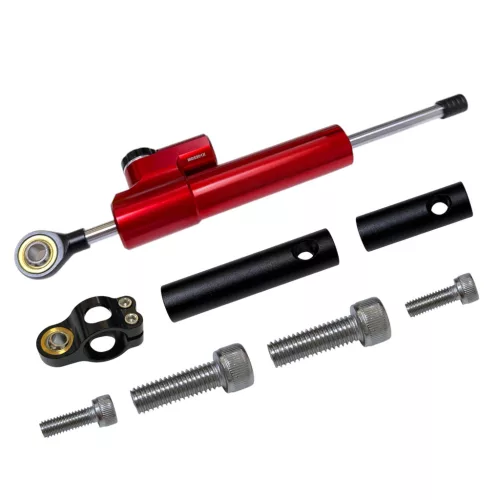

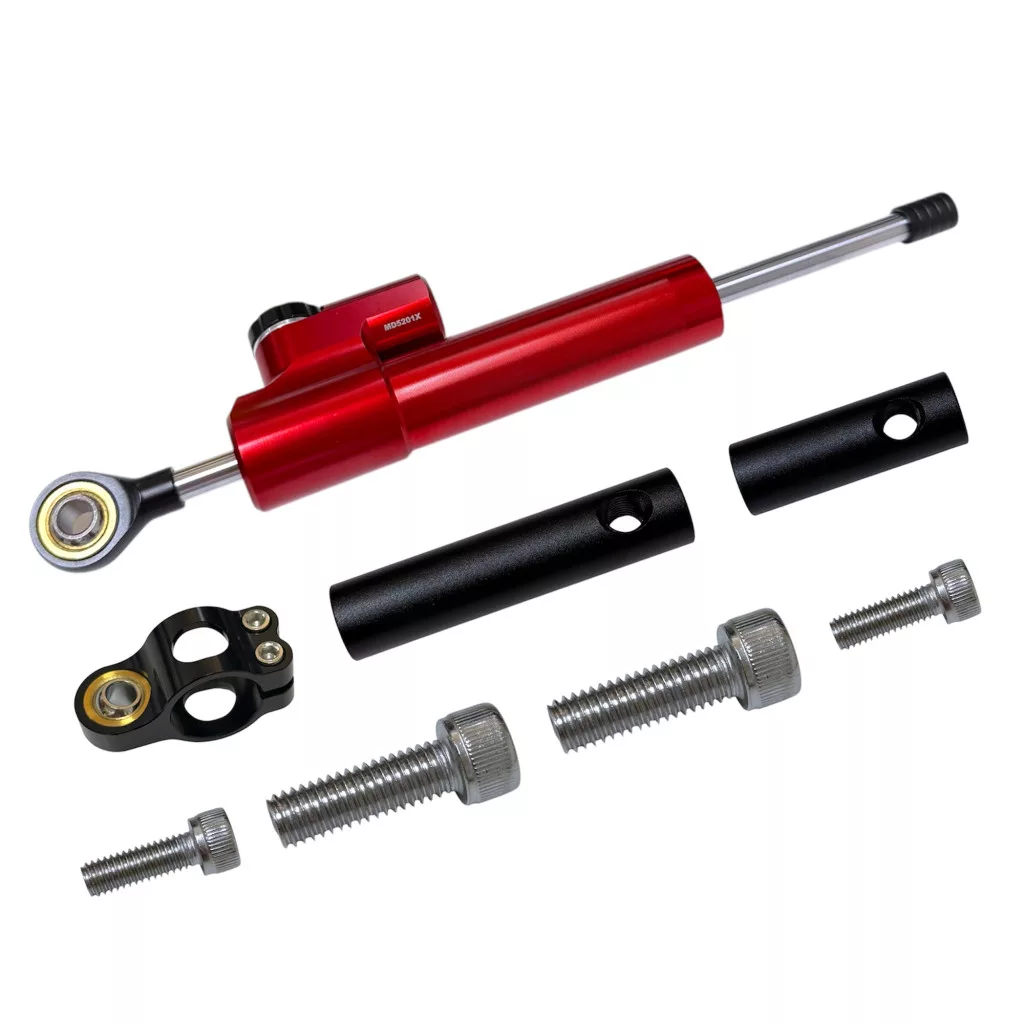
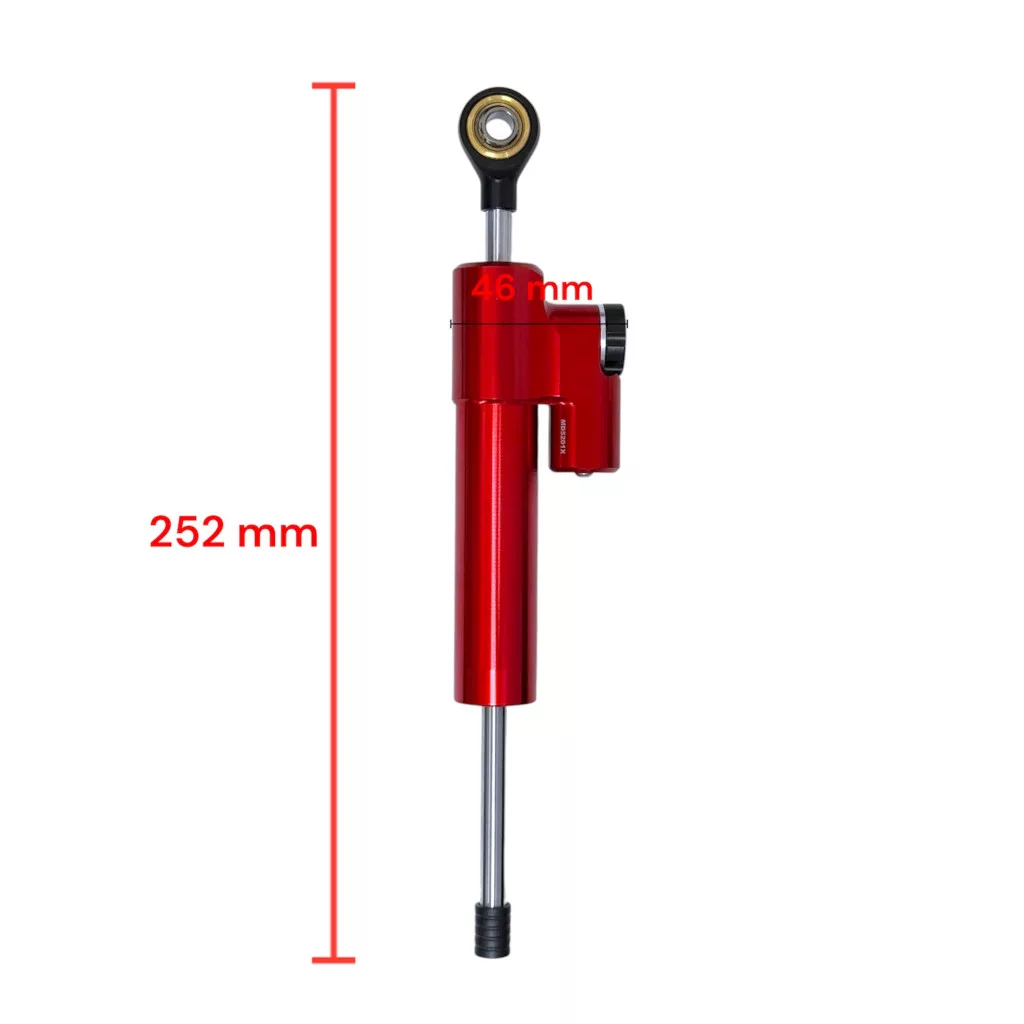
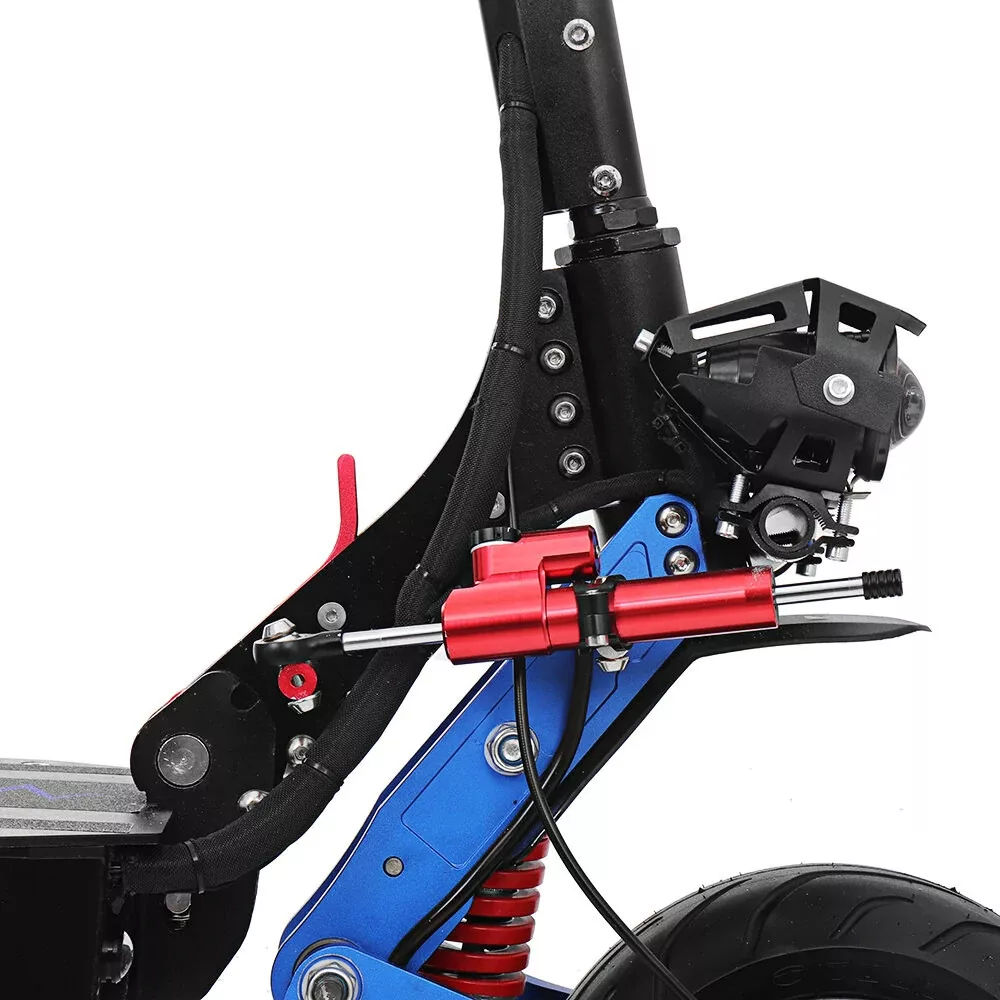
Steering stabilizer / steering damper (252 mm, red)
Electric scooter accessory. A universal steering stabilizer designed to prevent speed wobbles. This is a crucial safety component that reduces the risk of falls caused by the handlebars shaking or wobbling uncontrollably.
On scooters—especially high-performance electric models—the primary function of the steering stabilizer (or steering damper) is to protect against unwanted, sudden handlebar resonance, wobbling, and sudden jerking movements.
Its operation and key benefits are as follows:
1. Prevents speed wobbles
Due to smaller wheels and steep fork angles, scooter geometry makes them prone to resonance at high speeds or on uneven roads. This phenomenon is known as "speed wobble," where the handlebars begin to jerk rapidly and violently from side to side.
Without a steering damper, it is nearly impossible to control this manually, and it almost always results in a crash.
The damper uses a hydraulic piston to absorb these rapid, sudden movements, keeping the steering stable.
2. Absorbs shocks from road irregularities
If you ride at high speed over a pothole, bump, stone, or cable duct, the impact can suddenly turn the front wheel. The stabilizer dampens this sudden turning force, preventing the scooter from jerking the handlebars out of your hands.
3. Increases stability and reduces fatigue
Since the hydraulic system continuously counteracts micro-movements:
- The scooter tracks much straighter, especially at speeds above 30–40 km/h.
- You don’t need to grip the handlebars with all your might, so your hands and shoulders tire much less on longer rides.
Adjustment
The stiffness of the steering damper—adjusted by turning the knob—should be matched to your speed and the terrain. Since the damper works by varying the flow resistance of the hydraulic oil, the goal is to find the right balance: firm enough to prevent speed wobbles, yet loose enough for comfortable maneuvering.
Adjustment steps
1. Start from the softest setting: Turn the adjustment knob all the way toward the "–" (minus) mark.
2. Find the baseline setting (approx. 30–40% stiffness): From the fully open position, turn the knob 3–5 clicks toward the "+" (plus) mark. While stationary, turn the handlebars left and right: the setting is correct if you feel slight resistance, yet the handlebars still move easily and smoothly.
3. Test while riding: Slowly accelerate to your usual riding speed. If the handlebars still feel unstable or shake at high speeds or when hitting road irregularities, turn the adjuster another 1–2 clicks toward the stiffer setting (“+”).
Important safety rule
Never turn the damper to the maximum stiffness (100%) limit! Fully closing the hydraulic system can make steering heavy or jerky, which could lead to a fall at low speeds.
in stock
19 900 Ft
Data
Item number:
260924A001
Reviews
Be the first to write a review!
Similar products