
Categories
Top products

XIAOMI 1S, PRO, PRO2, speed unlocking tuning box (up to almost 40 km/h)
9 800 Ft
XIAOMI 1S, PRO, PRO2, speed unlocking tuning box (up to almost 40 km/h)
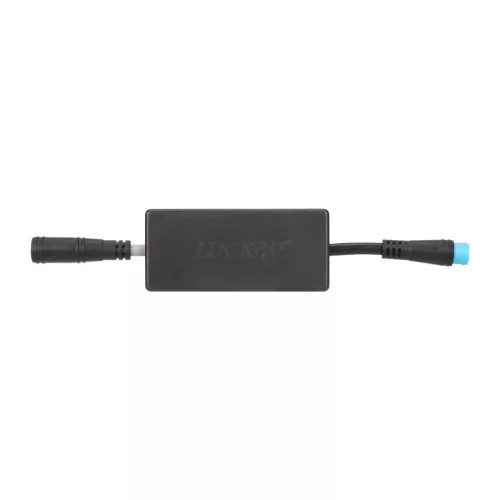

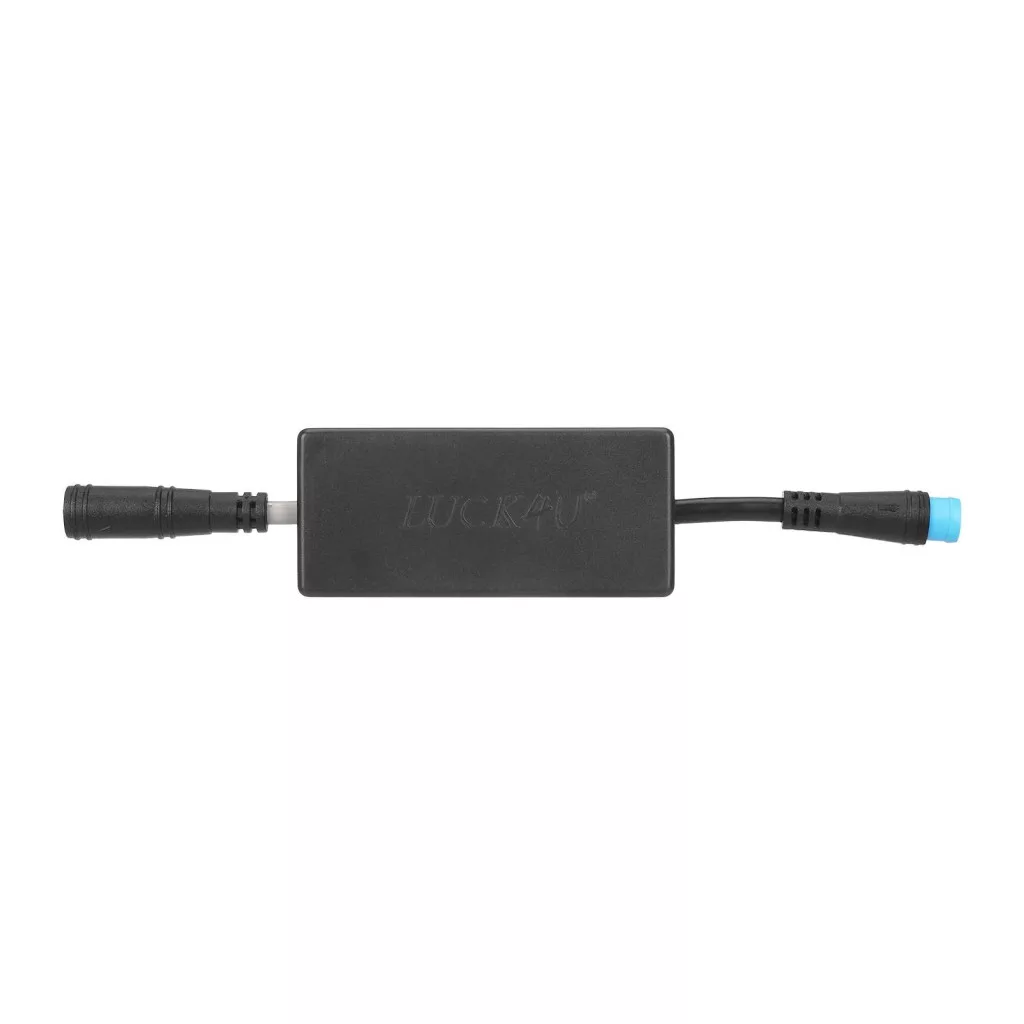
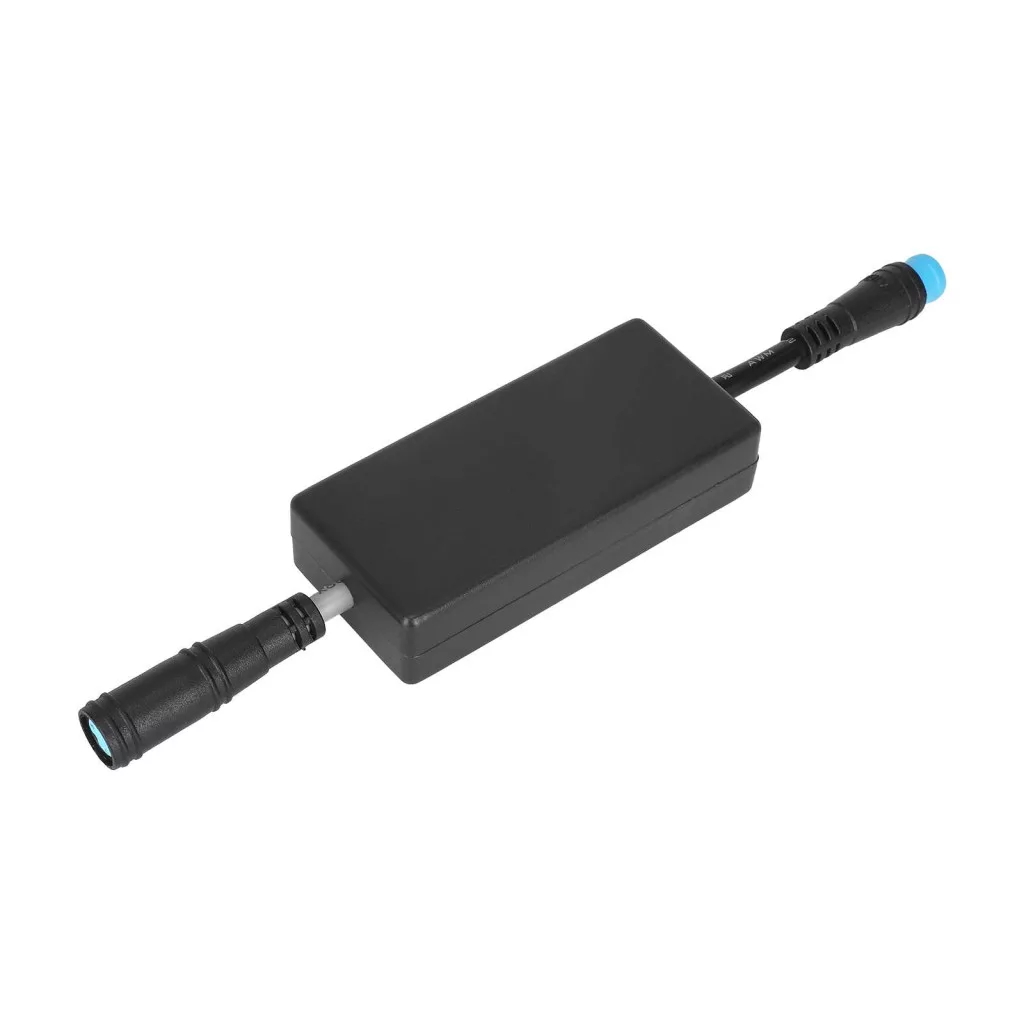
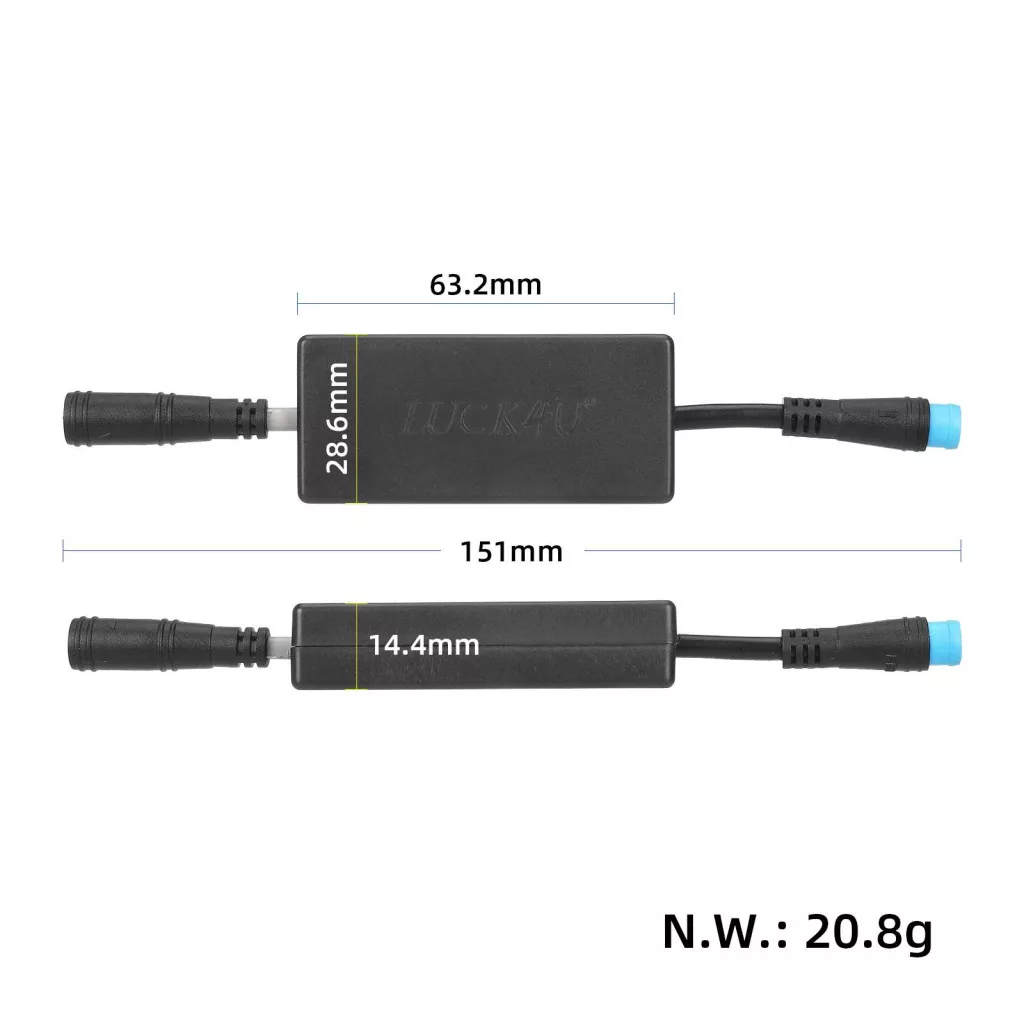
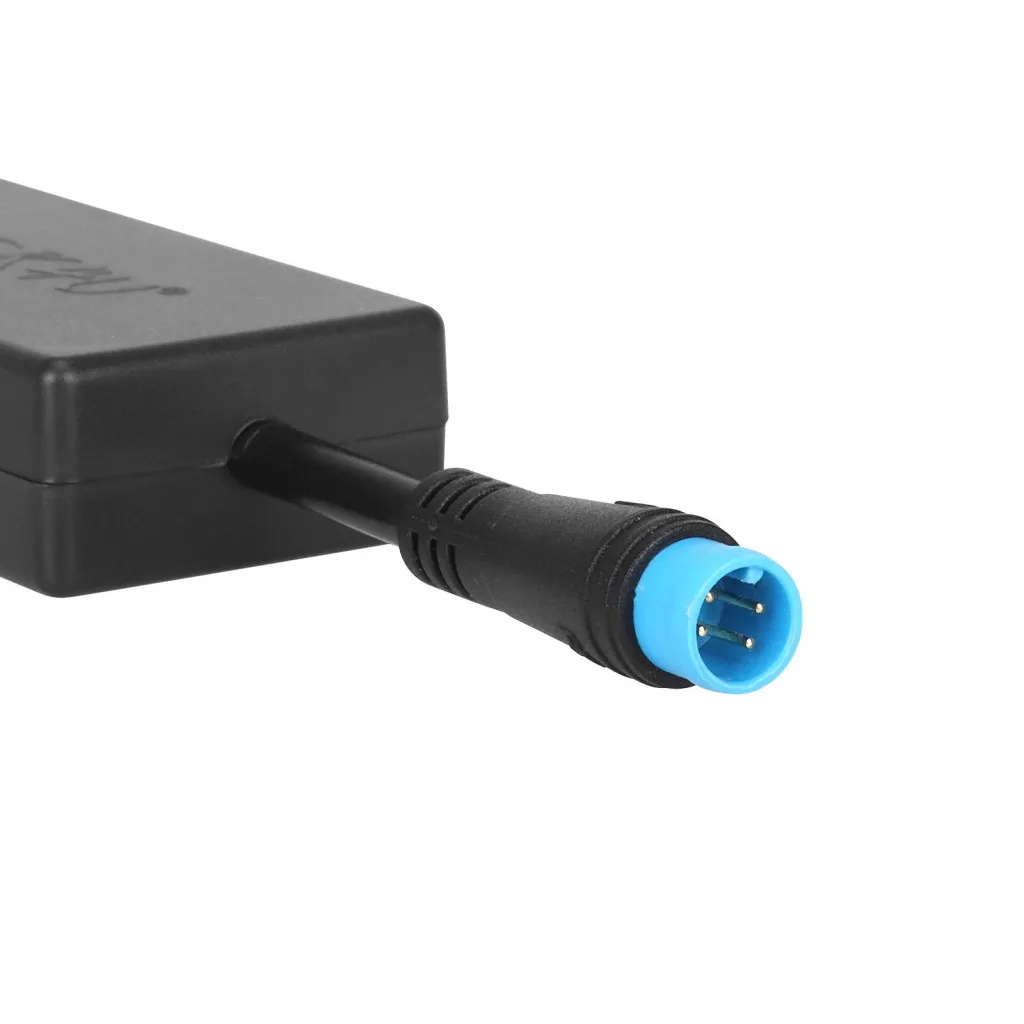
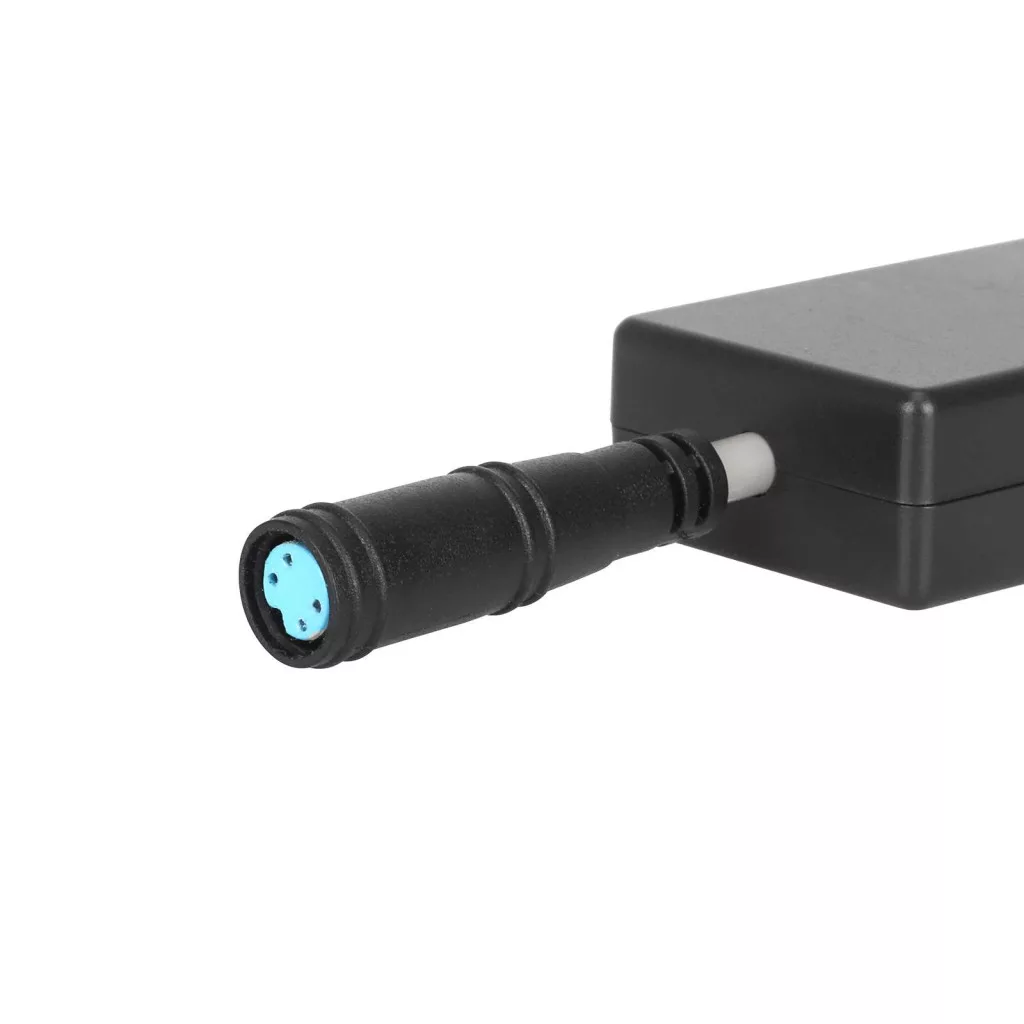
Xiaomi 1S, Pro, Pro2, speed adjustment tuning box (between 20-38 km/h)
Electric scooter accessory. Tuning box that can be easily installed at home. After installation, you can easily switch between 2 types of top speed settings:
1st setting: The scooter is capable of a maximum top speed of 20 km/h.
2nd setting: The scooter is capable of a maximum top speed of 38 km/h.
The two settings can be switched back and forth with a brake lever-throttle lever combination preset by the user.
Scroll down for the installation and user manual!
Important notes
- Releasing the speed limit in Hungary means violating the road traffic rules, as the scooter was not originally designed and licensed for this speed. That is why the scooter cannot be used on public roads after the speed is released, only on private land!
- We do not assume responsibility for any damage to electronic components!
- Using the tuning box may void your warranty!
- Using the scooter at high speeds can be extremely dangerous, only drive fast under appropriate conditions!
- Using at higher speeds requires more energy, so the scooter's range may be significantly reduced, if you use the scooter at low speeds the range will not change.
- Higher speeds may require better brakes!
Scooter type
Xiaomi 1S, Xiaomi Pro, Xiaomi Pro2
in stock
9 800 Ft
Details
Installation steps
1. Make sure the scooter is switched off.
2. Unscrew the screws on the handlebars and pull the handlebars out of the steering column.
3. Pull the display connector apart.
4. Connect the corresponding connectors of the tuning box to the pulled-out connectors of the display. When connecting the connectors, pay attention to the arrows on the connectors, plug them in exactly opposite each other!
5. Carefully slide the tuning box into the steering column.
6. Plug the handlebars back into the steering column and screw the fixing screws back in.
7. Switch on the scooter.
8. Press the brake 3x, then the throttle 3x: the number 38 should flash on the display.
9. It is important not to do anything until the number 0 appears on the scooter display again (approx. 30 seconds).
10. At this point, turn off the scooter and turn it back on and the speed of the scooter with the wheel raised (depending on the battery charge) can reach a top speed of 38 km/h (it will be less when loaded, but this depends on many things, such as: weight, battery charge, weather, terrain conditions, tire pressure, etc.)
Additional functions are available after WIFI connection by opening the URL 192.168.5.2 on a mobile browser.
Additional functions
The speed adjustment tuning box has 2 speed states:
1. Low speed state - the maximum speed is 20 km/h. The factory default setting is "low speed state"
2. High speed state - the maximum speed is 38 km/h.
There are also several settings options via WIFI:
1. The number of brake and throttle presses required to change the speed state on the scooter can be individually set (N value: possible between 3-15, default is set to 3).
2. "Display maximum speed 20 km/h" can be set, then the display will show a maximum speed of 20 km/h regardless of the top speed!
3. The scooter can be locked and tilted via WIFI (we do not recommend using this function).
4. Cruise control can be turned on and off.
5. The functions of the rear light can be set.
6. The WIFI password can be changed (maximum length 8 characters: can be a combination of numbers and letters).
Switching the speed state
You can change the speed state directly on the scooter, or you can also do it through the phone:
1. In the power-on state, press the brake pedal N times, then the accelerator pedal N times to switch the speed state. The default value of N is 3. Users can set the value of N on the WIFI page. The setting range is from 3 to 15.
2. After the user connects to the WIFI of the speed controller with their mobile phone, open the WIFI settings page and switch the speed state.
After changing the speed state, unless the user changes the state himself, this state will remain valid for a long time, even after rebooting. After installing the speed controller, every time the user changes the speed state, they need to wait 30 seconds for the complete switching process.
Data
Part type:
Tuning
Item number:
260224A001
Reviews
Be the first to write a review!
Similar products